Enable Vaava Plus Family Data Sharing and invite a partner
Keep the same family timeline on every caregiver's phone.
Vaava Plus Family Data Sharing keeps your baby's timeline in sync across iPhone and Android, even when family members are apart. The owner sets up the family and invites each caregiver.
Before you start
Vaava Plus Family Data Sharing shares the family timeline over the internet with end-to-end encryption and lets you restore it on a new phone. It is separate from free Local Wi-Fi sharing, and the two features use different keys.
Before you begin, update Vaava on the owner's phone and make sure the owner has Vaava Plus. Choose somewhere safe to keep the recovery key. Vaava encrypts family content on your device before upload. The service stores encrypted content and limited routing information, so Vaava cannot read your family data or recover a lost key.
Owner: turn on Family Data Sharing
The owner starts the Vaava Plus family. One lifetime purchase covers the household, and invited members get the same Plus access without buying it separately.
- Open Vaava. Go to Settings, then Vaava Plus family.
- For a new family, complete the one-time Vaava Plus purchase. Restoring a store purchase and restoring your Vaava identity are separate steps.
- Tap Enable Family Data Sharing. Read the explanation, then choose Enable Family Data Sharing to continue.
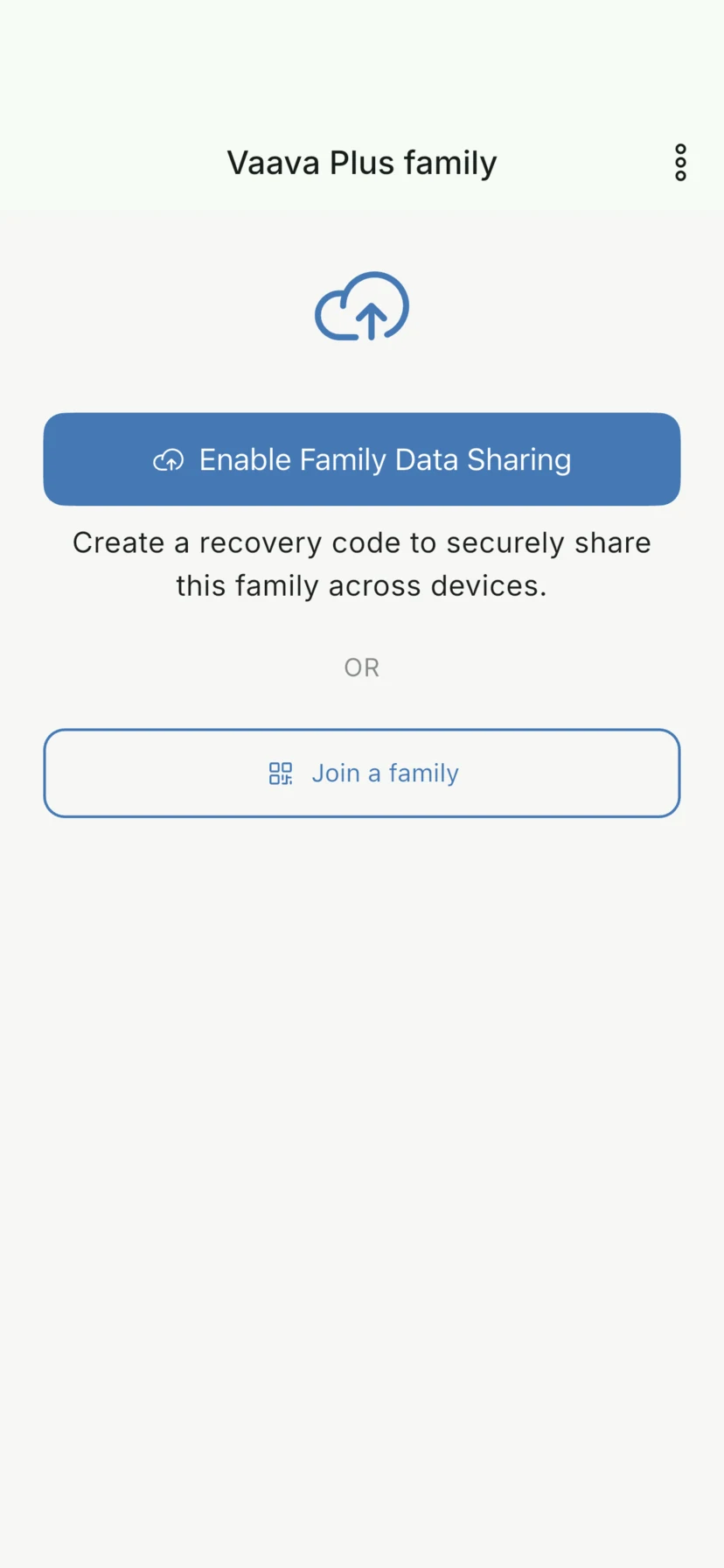
- Continue until Vaava shows Your recovery key. This key is yours, not the family invite.
Owner: save and confirm your recovery key
Your recovery key restores your Vaava identity and family access if you lose your devices. New setups show a QR code and a 52-character code split into 13 groups. Save a copy somewhere safe outside this phone. Do not send it to a family member or to Vaava.
- On Your recovery key, tap Save or share, copy the code, or write down the 13 groups. You can also take a photo of the recovery QR.
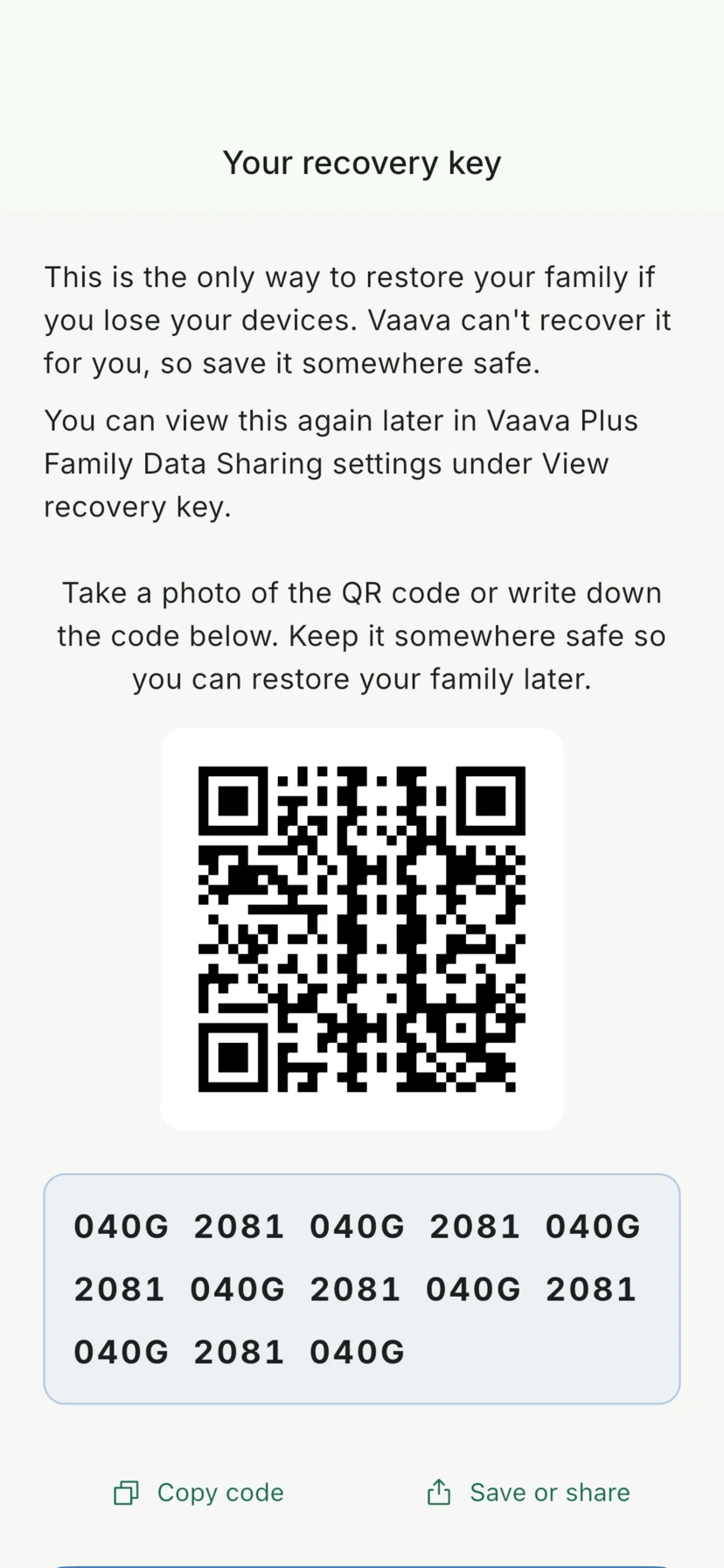
- Tap I've saved it, enter the requested group from the recovery key, then tap Finish. Family sharing starts only after the confirmation succeeds.
- Keep this recovery key separate from the family invite QR. The recovery QR restores your identity; it does not invite another caregiver.
Owner: invite a partner or caregiver
Once Family Data Sharing is enabled, the owner can invite a partner, grandparent, nanny, or another trusted caregiver. Each invite is single-use and expires soon. It contains only short-lived join details, not your recovery key or readable family data.
- In Vaava Plus Family Data Sharing settings, tap Invite a family member.
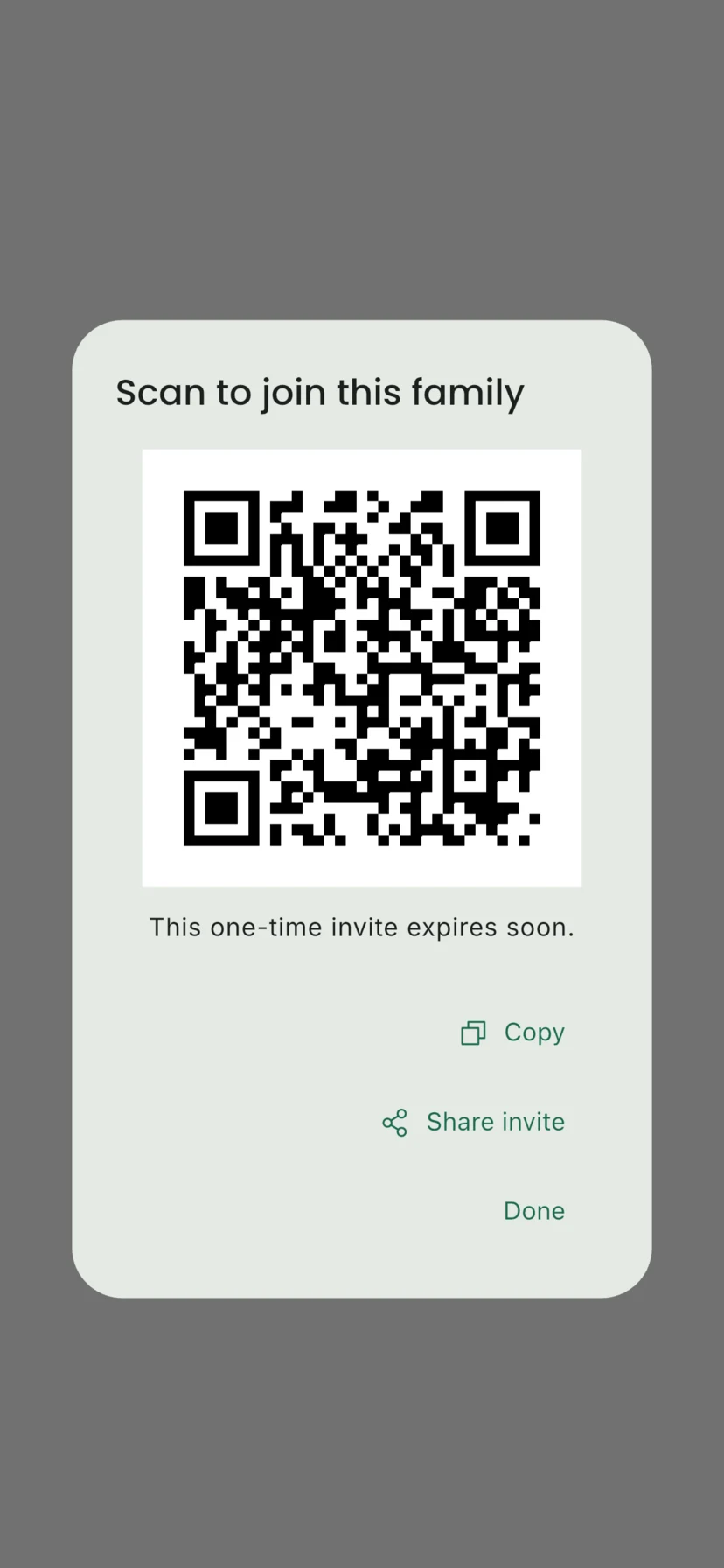
- For someone nearby, show the family-invite QR on your screen and ask them to tap Scan invite QR in Vaava. This QR is separate from Local Wi-Fi pairing and your recovery QR.
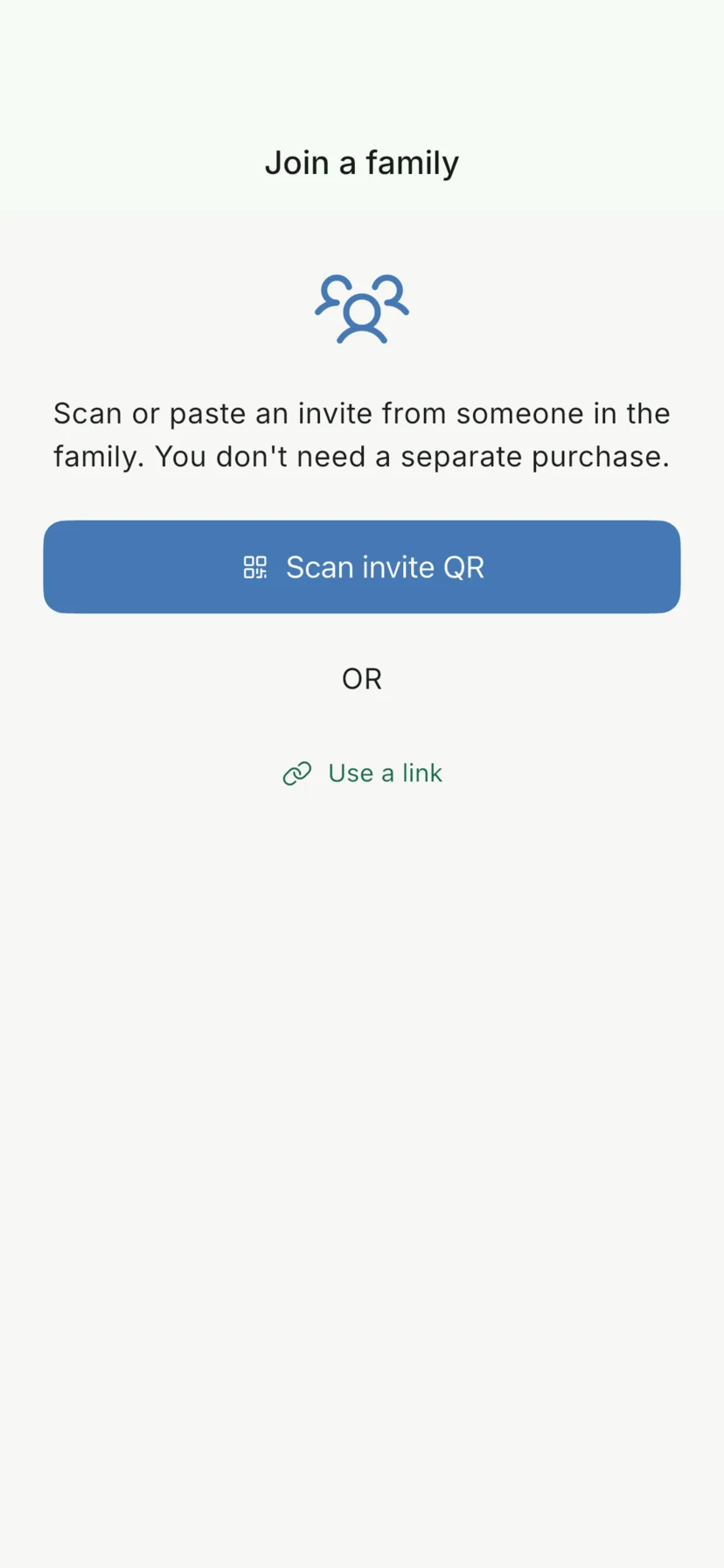
- If they are elsewhere, tap Share invite and send the full invitation link. Android can open the link in Vaava. On iPhone, or if the link does not open the app, copy it and open Vaava. Tap Use a link, paste the invitation, then tap Use invite.
Invitee: join the family
When someone joins, Vaava creates a separate identity and recovery key for them. They do not need to buy Plus. Their phone must not already belong to another Vaava Plus family.
- Install Vaava on your iPhone or Android phone and open it. Vaava does not ask for an email address or password.
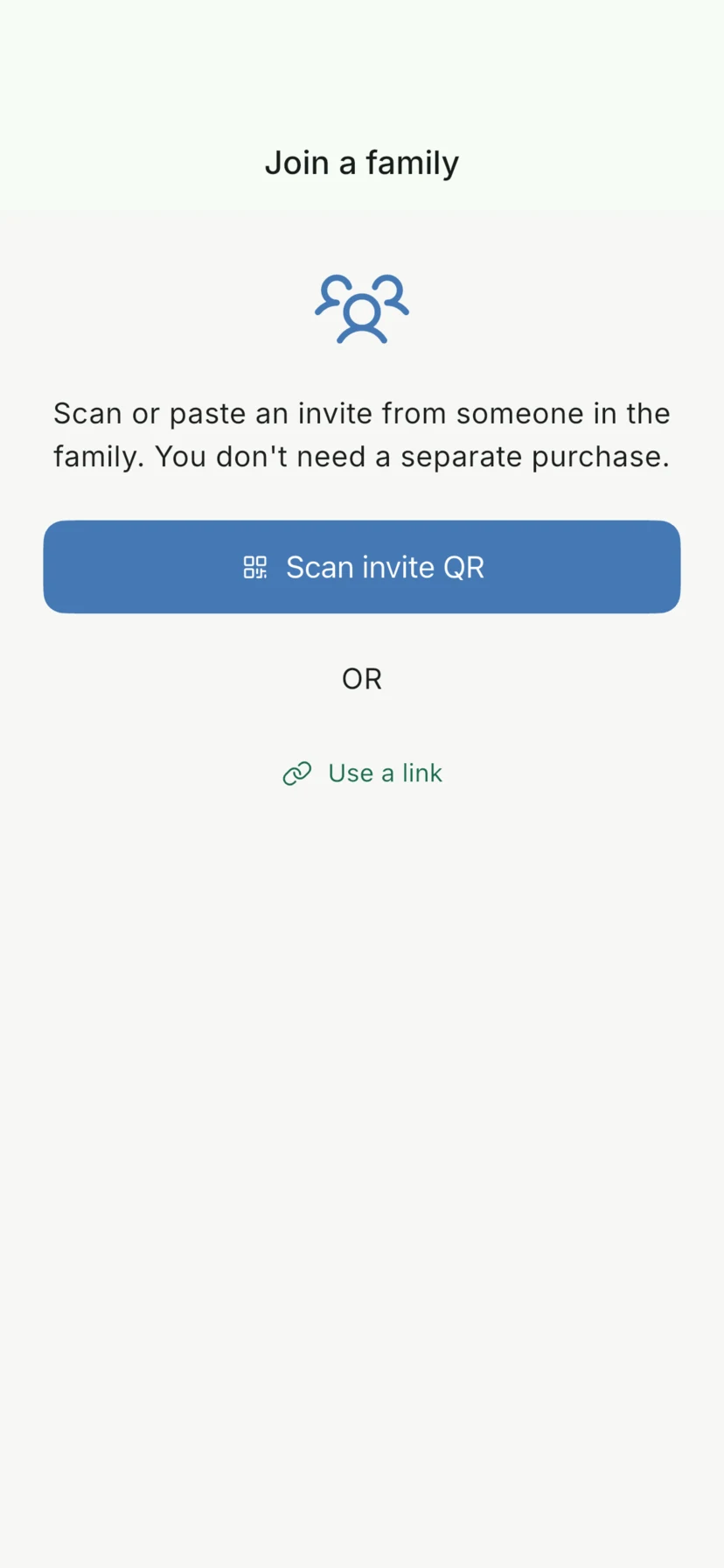
- When the owner is with you, tap Join a family, then Scan invite QR and scan the owner's family-invite QR. For a link, open it on Android or tap Use a link and paste it manually.
- When Vaava shows Your recovery key, save your own QR or 52-character code somewhere safe. Tap I've saved it, enter the requested group, then tap Finish. Never use or share the owner's recovery key.
- Wait for Vaava to finish joining and load the family history. Your Plus access is shared automatically once family confirmation finishes.
When joining is still pending
You may see Waiting for family confirmation. Ask any existing family member to open Vaava so their device can confirm the join. Keep Vaava open on both phones and retry if asked. Once confirmation finishes, Vaava loads the family history on the new device.
Troubleshooting
If the invite will not scan, check that you are using the family-invite QR, not a recovery QR or the QR used for free Local Wi-Fi pairing. For a link, use the full invitation and do not reuse one that has already been accepted or expired. An invite from a deleted family no longer works; the owner must set up a new family and create a new invite.
If the invitee already belongs to a Vaava Plus family, open that family first. An invited member can leave it. An owner cannot join another family without deleting their current family. If a join is still pending, cancel it before trying a new invite.
On a new phone, Restore a Vaava Plus family uses the recovery key belonging to the person setting up that phone. It restores that person's identity and family access; it does not add a caregiver. Use Invite a family member to add someone new. Store purchases restore through the original store, while a family invite can join from either platform.
A note about Local Wi-Fi sharing
If you only share while everyone is home, Vaava also has free Local Wi-Fi data sharing. Paired devices exchange data directly on the same network. This is separate from Vaava Plus Family Data Sharing. See the Local Wi-Fi data sharing section on the homepage.
FAQ
How do I invite my partner or another caregiver to Vaava?
Turn on Vaava Plus Family Data Sharing, save and confirm your recovery key, then tap Invite a family member. Show the family-invite QR or tap Share invite to send a link. The other person opens Vaava and chooses Scan invite QR or Use a link.
Do both parents need to buy Vaava Plus?
No. One lifetime Vaava Plus purchase covers the owner and up to nine invited members. Invited partners and caregivers get Plus access through the family and do not buy it separately.
Can I share the baby tracker if we are not on the same Wi-Fi?
Yes. Vaava Plus Family Data Sharing works from different homes and over cellular connections. It is separate from free Local Wi-Fi data sharing, which stays on the local network.
Can grandparents or a nanny join the family?
Yes. The owner can invite trusted grandparents, a nanny, or another caregiver with a one-time QR or invitation link. Each person gets their own Vaava identity and recovery key, and the owner can remove members later.
How do I back up Vaava or restore the family on a new phone?
Enable Vaava Plus Family Data Sharing and keep your recovery key safe. On a new phone, choose Restore a Vaava Plus family and use your recovery QR or 52-character code. Older 24-word recovery phrases still work. Each person must use their own recovery key; use a family invite to add someone new. Vaava cannot recover a lost key.
Do I need an email or password to join a Vaava family?
No. Joining uses a family-invite QR or invitation link and creates a separate Vaava identity on the device. Vaava does not ask for an email address or password.
What if the invite expired or sharing is still pending?
Invites are single-use and expire, so ask the owner for a new one if the old invite no longer works. If joining is pending, keep Vaava open and ask any existing family member to open the app so confirmation can finish.
Related guides
Ready to try it?